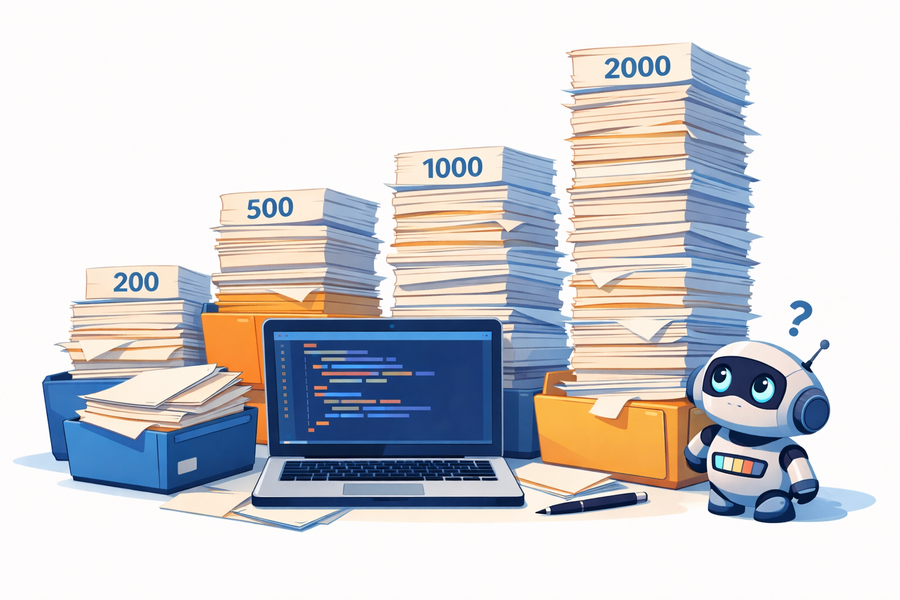
TL;DR: Kotlin’s flexibility — multiple classes and extension functions in one file — is a feature, not a bug. But without team conventions and static analysis, files can quietly grow past 1,000 lines. That matters not just for human readers, but increasingly for LLM-based coding agents that work better with focused, well-scoped context. The remedy is not stricter Java-style rules, but deliberate balance: use detekt, agree on limits, and treat file size as a signal worth paying attention to.
Kotlin is a modern, expressive programming language that has gained widespread adoption due to its conciseness, safety, and seamless interoperability with Java. It enables developers to write clean, readable code while reducing boilerplate and improving maintainability.
Yet when examining Kotlin codebases — including some well-regarded, mature libraries — a recurring pattern stands out: large files containing multiple classes, functions, and extensions. Where Java’s conventions effectively mandate “one file, one public class,” Kotlin leaves the decision to the team, and files exceeding 1,000 lines are a common result. This article examines why that happens, what it costs, and what teams can do about it.
Why does this happen?
1. Language design and permissive conventions
Kotlin deliberately does not impose a “one public class per file” rule. The official style guide recommends naming a file after its top-level class when the file contains only that class, but this is guidance, not enforcement. Multiple classes, functions, and extension functions can coexist in a single file provided they are logically related — and the language makes this genuinely useful. Extension functions for a type, for example, are naturally placed alongside the type they extend.
Java, by contrast, has long-standing conventions that leave little room for interpretation:
- Oracle Java Code Conventions: “Each Java source file contains a single public class or interface.”
- Google Java Style Guide: “The file name consists of the case-sensitive name of the top-level class (of which there is exactly one), plus the .java extension.”
This flexibility is a deliberate, well-considered design choice, and it pays off constantly in everyday Kotlin. The trade-off is that it moves responsibility for file organisation from the compiler to the team — and that responsibility is easy to overlook in the absence of an explicit rule.
2. Cultural pragmatism
The Kotlin community tends to adopt a pragmatic stance toward code organisation: if the code is readable and maintainable, its structure does not need to mirror Java conventions. This is a sound principle. In practice, though, it means file size rarely comes up for discussion until a file becomes noticeably hard to work with.
Developers transitioning from Java often bring with them a mindset shaped by SOLID principles and strict style guides. For them, a 1,000-line file is a red flag. For developers who learned Kotlin first, or who migrated early, that threshold is often higher, simply because the language never forced the question.
3. Underenforced static analysis
Tools like detekt can detect and flag overly large files, and configuring a file-size threshold is straightforward. The difficulty is cultural rather than technical: static analysis warnings are only effective when teams treat them as blocking. In practice, file-size warnings are often acknowledged and deferred, particularly when the code inside the file appears to work correctly.
4. IDE workarounds that mask the problem
From my own experience, large files become a practical burden long before they become a theoretical problem. Once a file grows beyond a few hundred lines, navigating it requires conscious effort: switching to the structure panel, using search, or scrolling past unrelated declarations to find the one function you need. The cognitive overhead accumulates quietly.
IntelliJ IDEA offers a partial remedy through region folding — wrapping sections in //region / //endregion comments, which collapse in both the editor and the Structure view:
1//region Validation helpers
2fun validateName(name: String): Boolean { ... }
3fun validateEmail(email: String): Boolean { ... }
4//endregion
This reduces visual noise, but it is a workaround, not a solution. If you find yourself reaching for regions to make a file navigable, that is a signal the file has grown too large and deserves to be split.
Impact on LLM-based coding agents
Context window and token efficiency
Modern LLMs support very large context windows, sometimes exceeding 100,000 tokens. This makes it technically feasible to send entire codebases — or large portions of them — to a model for analysis or generation. However, a large context window does not eliminate the need for thoughtful code organisation.
Sending large files to an LLM is possible, but not always efficient. Files exceeding 1,000 lines increase token usage per request, which raises costs and can reduce the precision of responses. Even with a large context window, a model’s attention to relevant code is diluted when the input contains substantial unrelated logic.
There is, however, one point in Kotlin’s favour. A 2025 study published in the Journal of Systems and Software analysing Kotlin’s adoption across the Android ecosystem found that projects written exclusively in Kotlin exhibit a Halstead Difficulty of 11.49, compared to 29.33 for Java-only projects — a roughly 61% reduction by that metric. Real-world migrations report similar gains in code volume: Uber measured approximately 40% fewer lines when rewriting Java to Kotlin, and the Google Home team noted that a single Java class of 126 lines could be expressed in just 23 lines of Kotlin. Since LLM token counts for source code scale with code volume, a Kotlin file is inherently cheaper to send to a model than a Java file implementing equivalent logic. The irony is that this conciseness advantage is quietly eroded when developers compensate by consolidating more declarations into a single file.
How to strike a balance
The goal is not to impose Java-style rigidity on Kotlin codebases. It is to apply the same deliberate judgement to file organisation that Kotlin developers already apply to API design and naming.
Use static analysis with enforced limits. Configure detekt to flag files above a defined line threshold and treat those warnings as actionable rather than advisory. A reasonable starting point is 300–400 lines; anything beyond 600 warrants a review.
Treat
//regionas a warning sign. Folding code into regions is useful in the short term, but consistent use of regions in a file is a reliable indicator that the file should be decomposed.Apply clean code principles deliberately. Kotlin’s flexibility is not a licence for poor organisation. Break files into logical, focused units and avoid grouping unrelated declarations simply because they share a package or a common dependency.
Establish and maintain team standards. Define internal guidelines for file size and grouping conventions. Even a simple rule — “no file exceeds 400 lines without a review” — is more effective than relying on individual judgement alone.
Scope context for LLM-based agents. When working with coding agents, prefer sending focused, relevant files rather than entire modules. Smaller, well-scoped files make this straightforward; large files require manual extraction and reduce the quality of agent responses.
Conclusion
Kotlin’s permissive file organisation model is a strength, not a flaw. It enables cohesive, expressive code when used with intention. The challenge is that the same flexibility makes it easy for files to grow unchecked — and the costs, whether measured in developer navigation time, static analysis debt, or LLM token consumption, are real even if they accumulate gradually.
The practical answer is not to import Java conventions wholesale, but to pair Kotlin’s flexibility with the discipline it demands: static analysis configured to enforce limits, team agreements that are actually followed, and a shared understanding that file size is a signal worth reading.