Jetbrains Idea is a perfect IDE (sorry, Eclipse fans). But, like every tool, sometimes it needs some customization to fit your needs. Today I want to show how to adjust it’s code-generation templates.
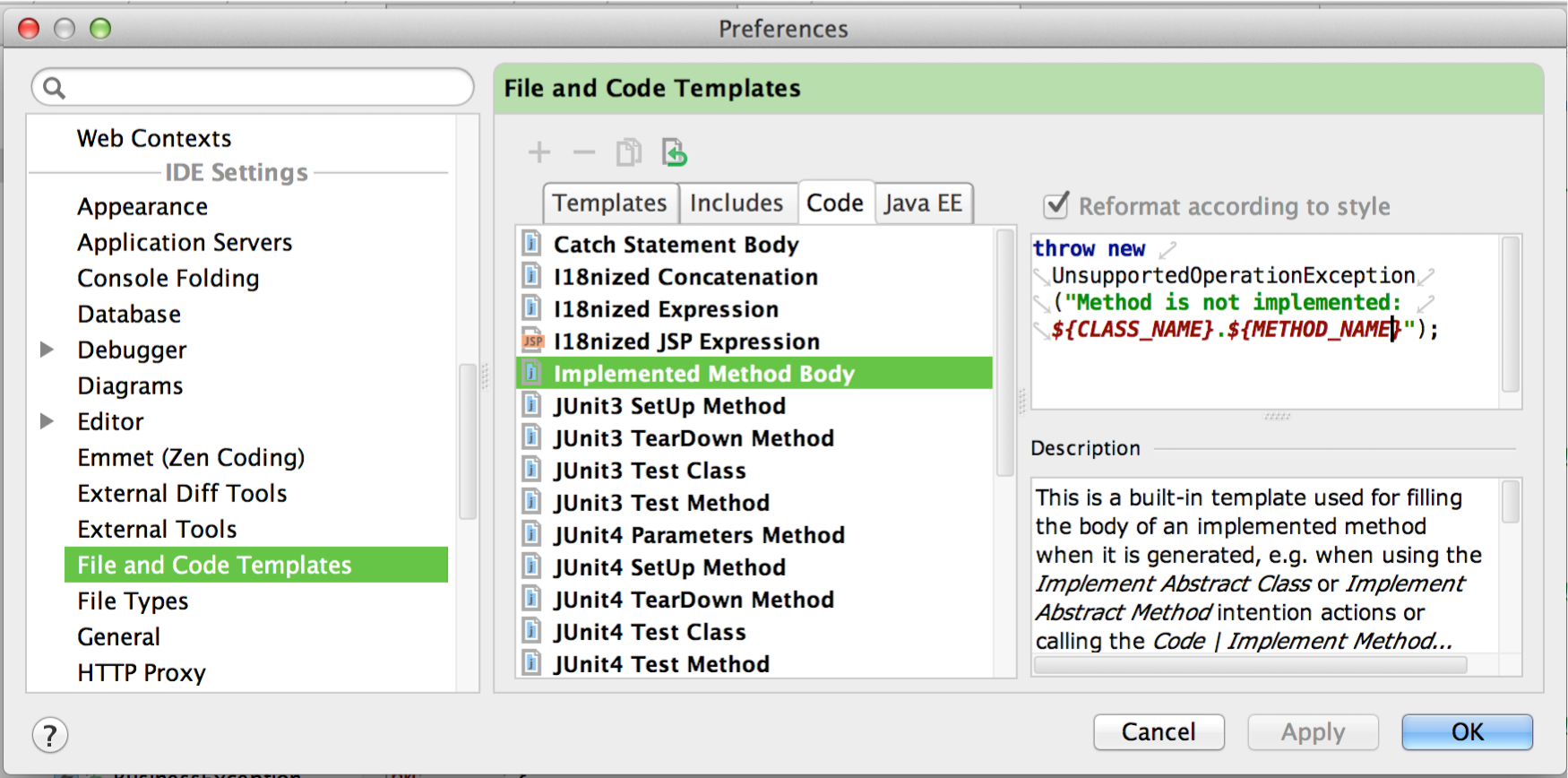
When you generates a new class or method using Idea, it creates one using predefined templates. You may modify that template in “Settings -> File and Code templates” section.
Idea Configuration
Idea keeps it’s configuration under ~/.IntelliJIdeaXX/config folder.
I usually copy my customized settings from in GIT repository, so, it is very easy to share, synchronize and restore it later.
 1$ ls -1F
 2codestyles/
 3colors/
 4componentVersions/
 5disabled_plugins.txt
 6disabled_update.txt
 7eval/
 8fileTemplates/
 9filetypes/
10inspection/
11jdbc-drivers/
12keymaps/
13options/
14port
15quicklists/
16shelf/
17tasks/
18templates/
19tools/
Code snippets (or code templates) are located inside config/templates folder.
Code Snippets
Implemented Method Body
Default method body template generates empty method or method returning default value.
I suggest throwing UnsupportedOperationException exception by default. It’s more restrictive settings, but good for self-discipline.
Just create a file config/fileTemplates/code/Implemented Method Body.java with following contents:
1throw new UnsupportedOperationException("Method is not implemented: ${CLASS_NAME}SLF4J Logger Declaration
If you’re using SLF4j as logging framework, following code template will be very useful.
Just press Cmd+J when cursor is in class declaration area and type log. Add to config/templates/user.xml).
1<templateSet group="user">
2  <template name="log" value="    private final org.slf4j.Logger logger = org.slf4j.LoggerFactory.getLogger($CLASS_NAME$.class);" description="SLF4j Logger Declaration"
3 toReformat="true" toShortenFQNames="true" useStaticImport="true">
4    <variable name="CLASS_NAME" expression="className()" defaultValue="" alwaysStopAt="true" />
5    <context>
6      <option name="JAVA_DECLARATION" value="true" />
7    </context>
8  </template>
9</templateSet>